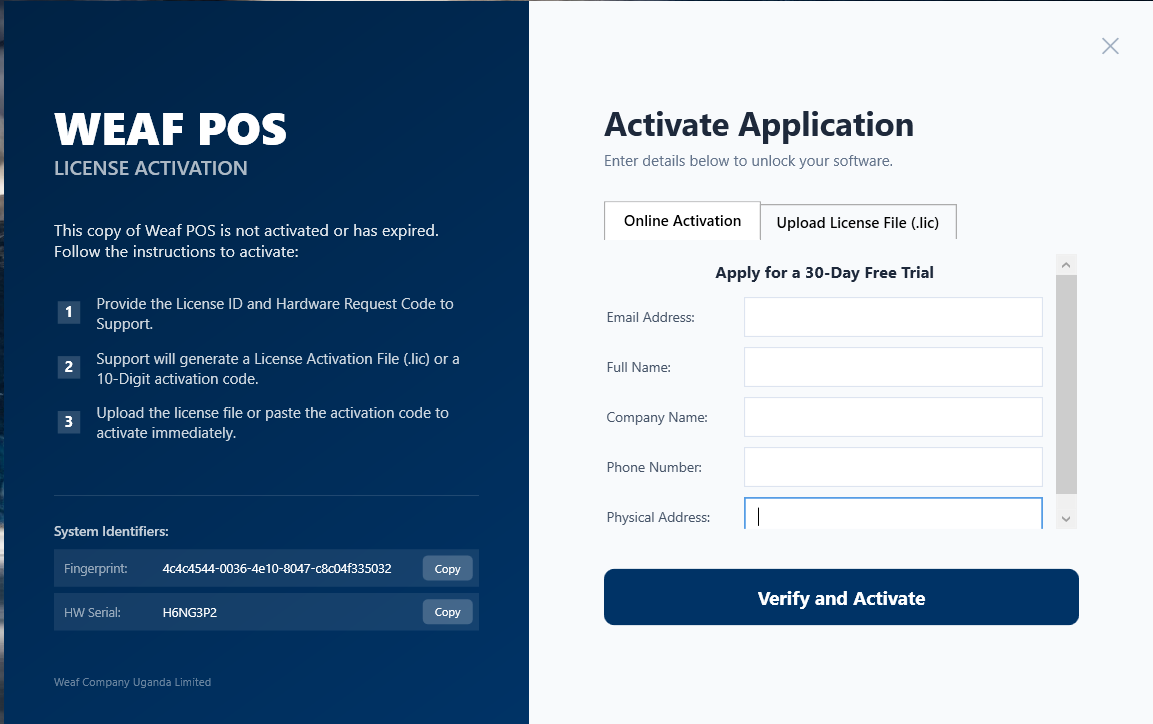
Installing WEAF POS on Windows: A Step-by-Step Guide
Once you have downloaded the installer, setting up WEAF POS on Windows is straightforward. This guide walks you through installation and the very firs...
Read moreStay updated with our latest news, insights and industry trends.
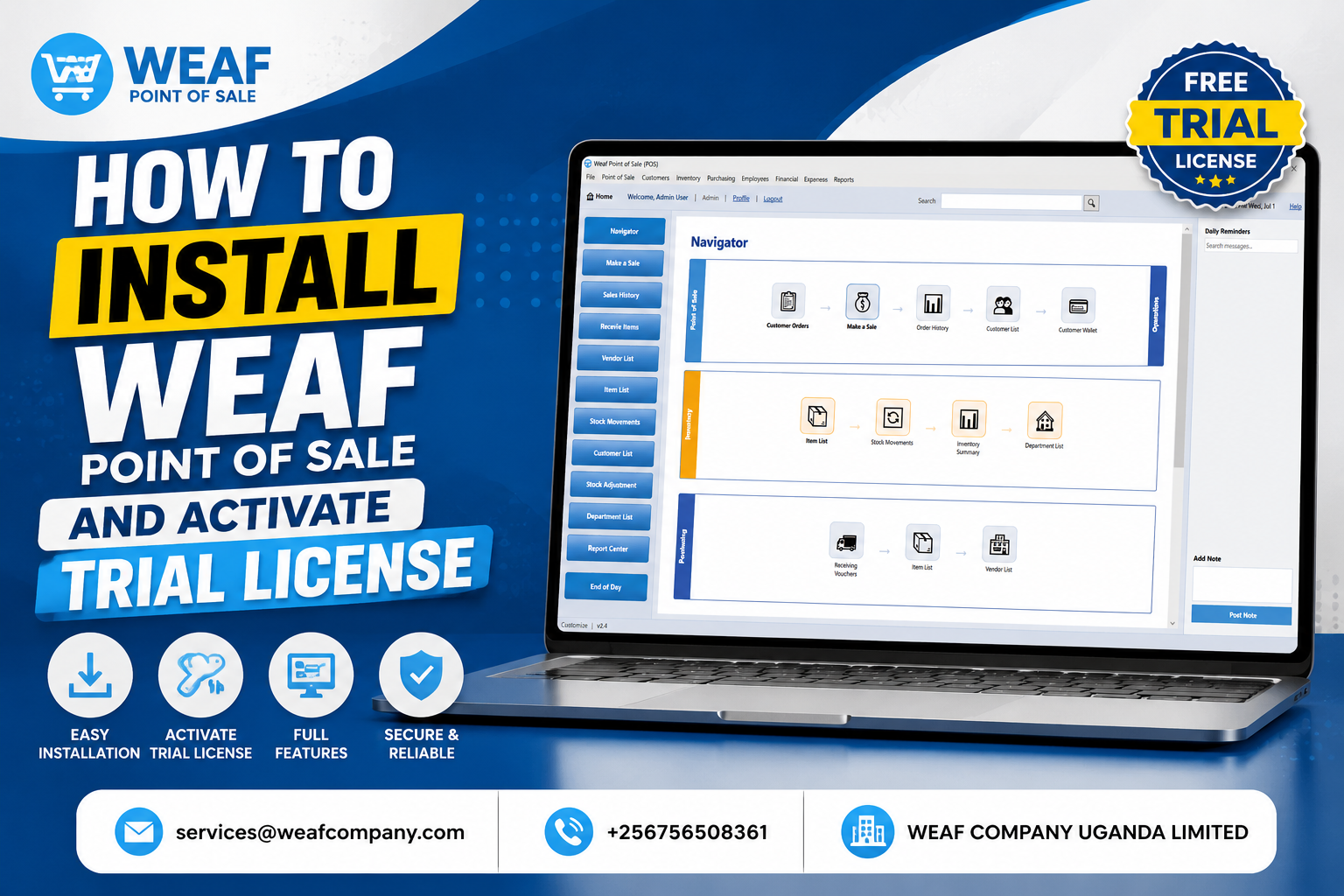
Once you have downloaded the installer, setting up WEAF POS on Windows is straightforward. This guide walks you through installation and the very firs...
Read more
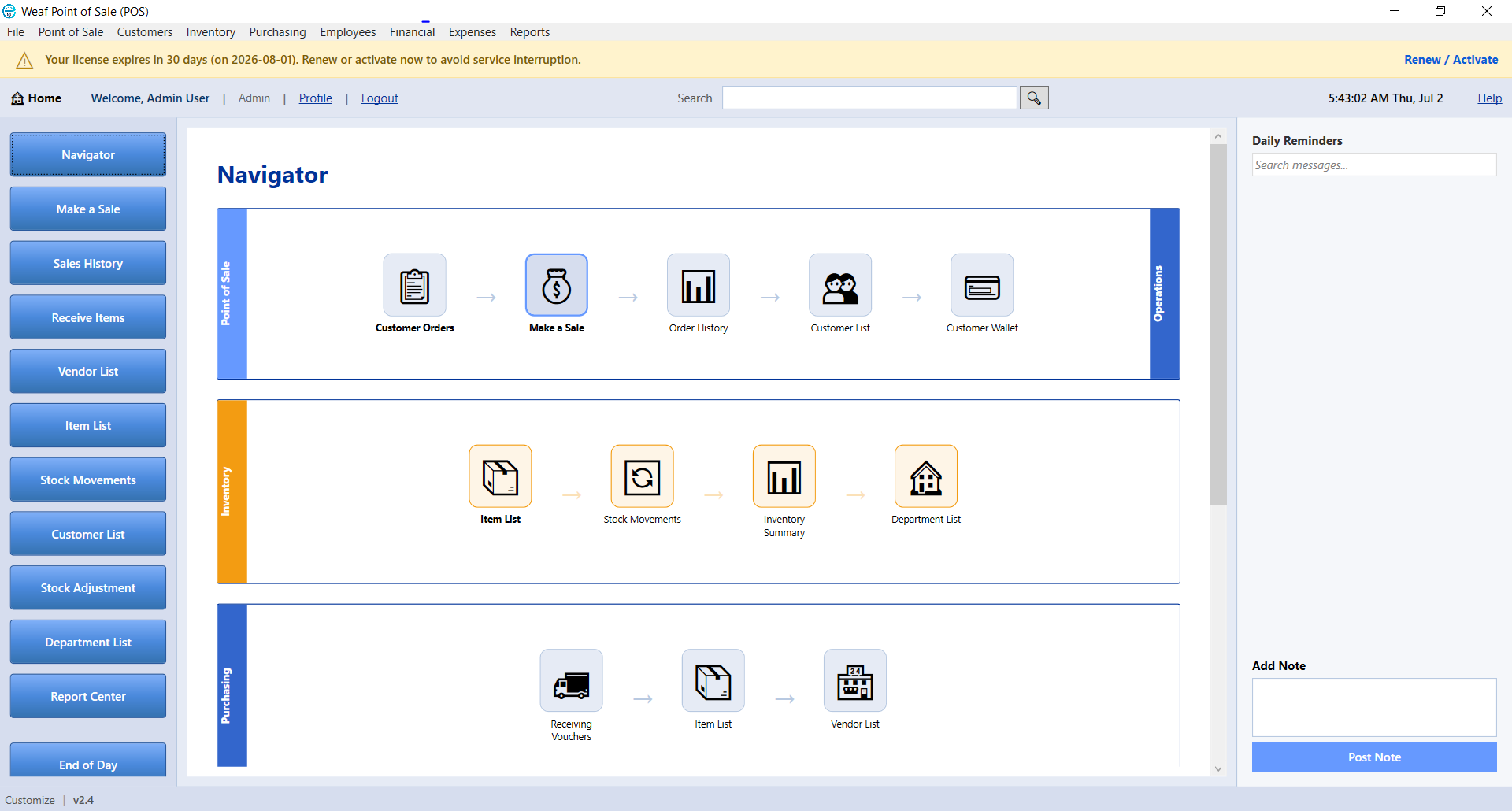
Your WEAF POS account is the key to downloading the app, activating licences and managing your subscription. The same account works on both WEAF POS a...
Read more
The first time you open WEAF POS you sign in to link the app to your account and licence. Here is what to expect on that first login.Open the app and...
Read more
WEAF POS uses licences to unlock the application. A trial licence lets you explore everything for free, while a full licence is for running your busin...
Read more
Activating a trial licence is the fastest way to start using WEAF POS. In just a few minutes you can be adding products and making test sales. This is...
Read more
When you are ready to run your business on WEAF POS, you move from a trial to a full licence. Activation is quick and keeps all of your existing data....
Read more
WEAF POS can run on one computer or across several tills on the same network. Choosing between single-user and multi-user mode depends on how many poi...
Read more
Running several tills means connecting each client computer to the WEAF POS server that holds your company file. WEAF POS makes this easy with automat...
Read more
Before you start selling, spend a few minutes configuring your business details and preferences. Getting these right means clean receipts, correct tax...
Read more